主题
Wefly JF-17 Thunder MFCD Introduction
Thunder JF-17 MFCD Overview
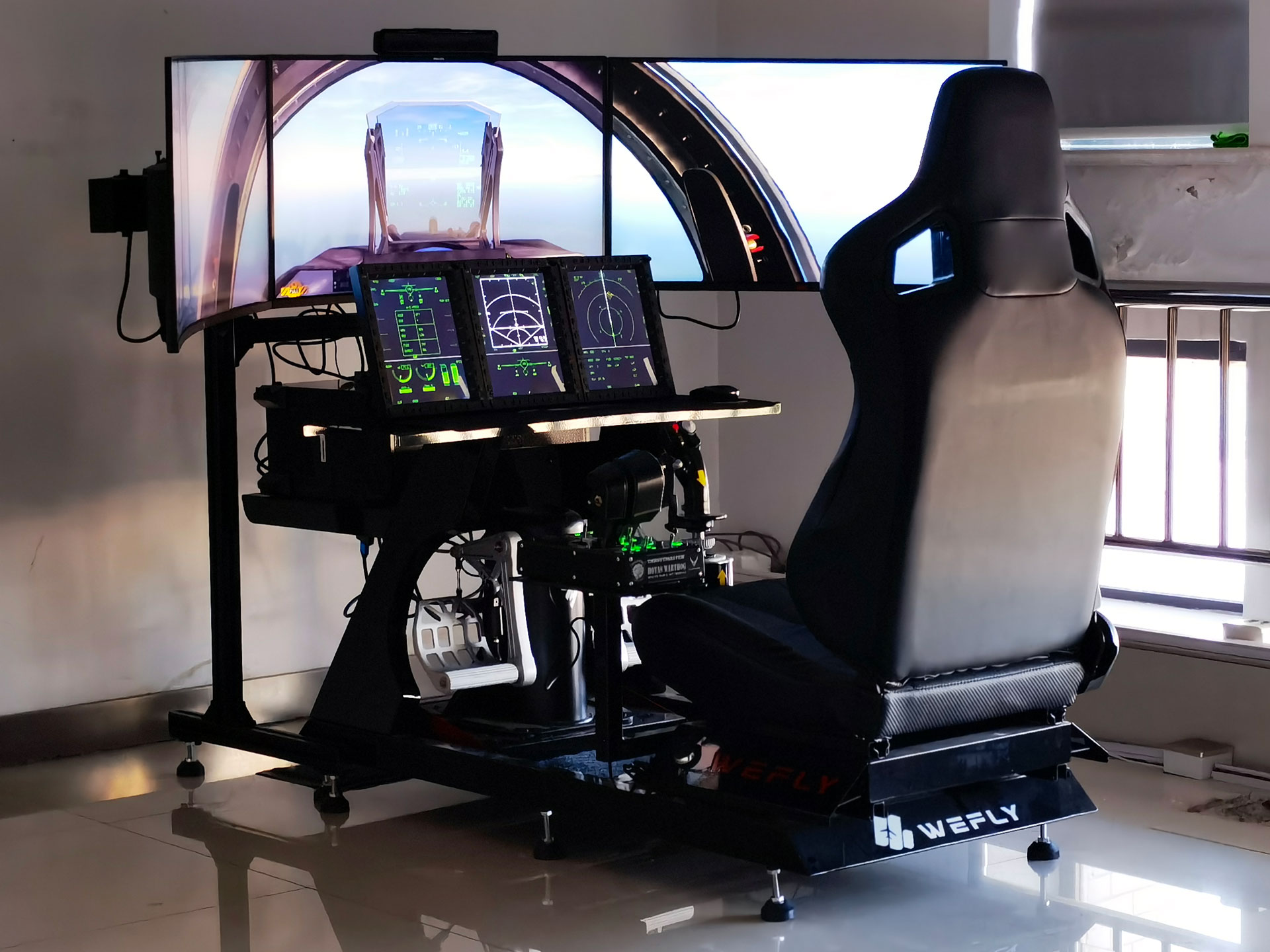
JF-17 has three large-sized MFCDs (Multi Function Color Display) as the main flight instruments. Each MFCD is capable of displaying color images and is divided into upper and lower parts, the main display at the top and the secondary display at the bottom, separated by a white dividing line. MFCD uses 26 screen buttons to control the display screen, 8 on the left and right, and 5 on the top and bottom. In addition, there are 2 +- buttons in the upper left corner, lower left corner, and lower right corner to control symbol brightness, image contrast and image brightness. . The main display pages can be accessed through the Main Menu page, the Data submenu of the Data page, or the bottom screen keys of the MFCD. The default display is assigned according to the currently selected main mode. The main display page can be controlled by HOTAS or by using the 5 top screen buttons and the upper 5 left and right screen buttons. The center bottom screen key is always used to return the MFCD main display to the main menu. The auxiliary display pages are controlled using the lower 3 left and right screen buttons, accessed through the auxiliary main menu on the lower right screen button labeled RTN. The quick access keys are assigned as follows: Left MFCD: CMBT/SMS, unless SMS selected in which case CMBT/JETT Centre MFCD: RDR/(Blank) Right MFCD: HSD/CLNK The default display page is as follows: Left MFCD: SMS unless in NAV Master Mode in which case EFIS Centre MFCD: RDR Right MFCD: HSD
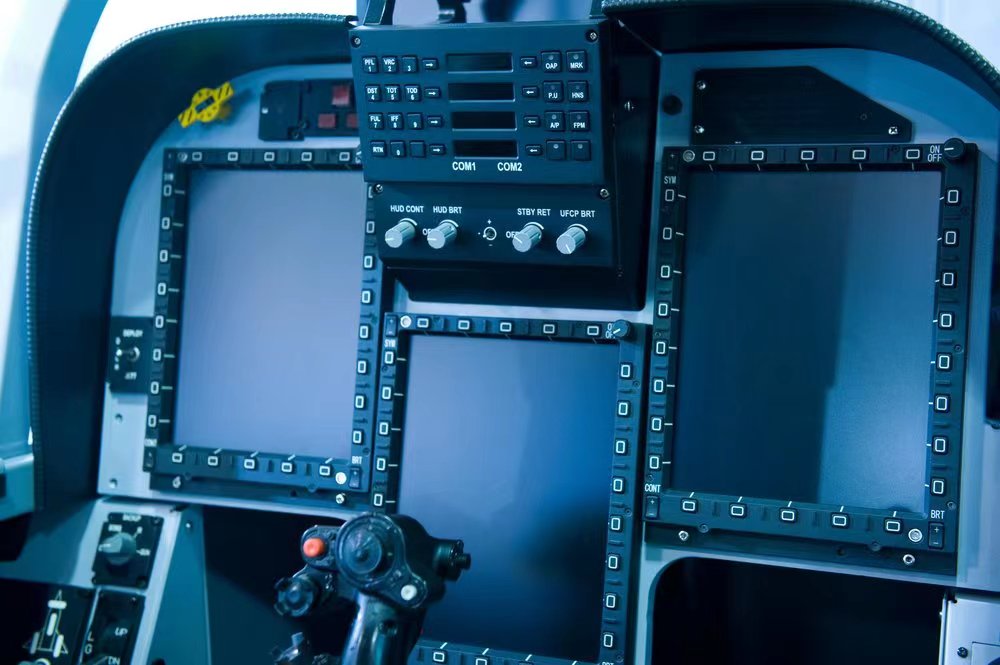
Wefly Thunder JF-17 MFCD
8 Inch Gamer Edition
- Compatible with DCS World
- High simulation panel, buttons
- Panel logo, keys with backlight, backlight brightness adjustable
- 8-inch LCD display, resolution 1024×768, HDMI interface
- 32 buttons, customizable functions
- USB interface, plug and play
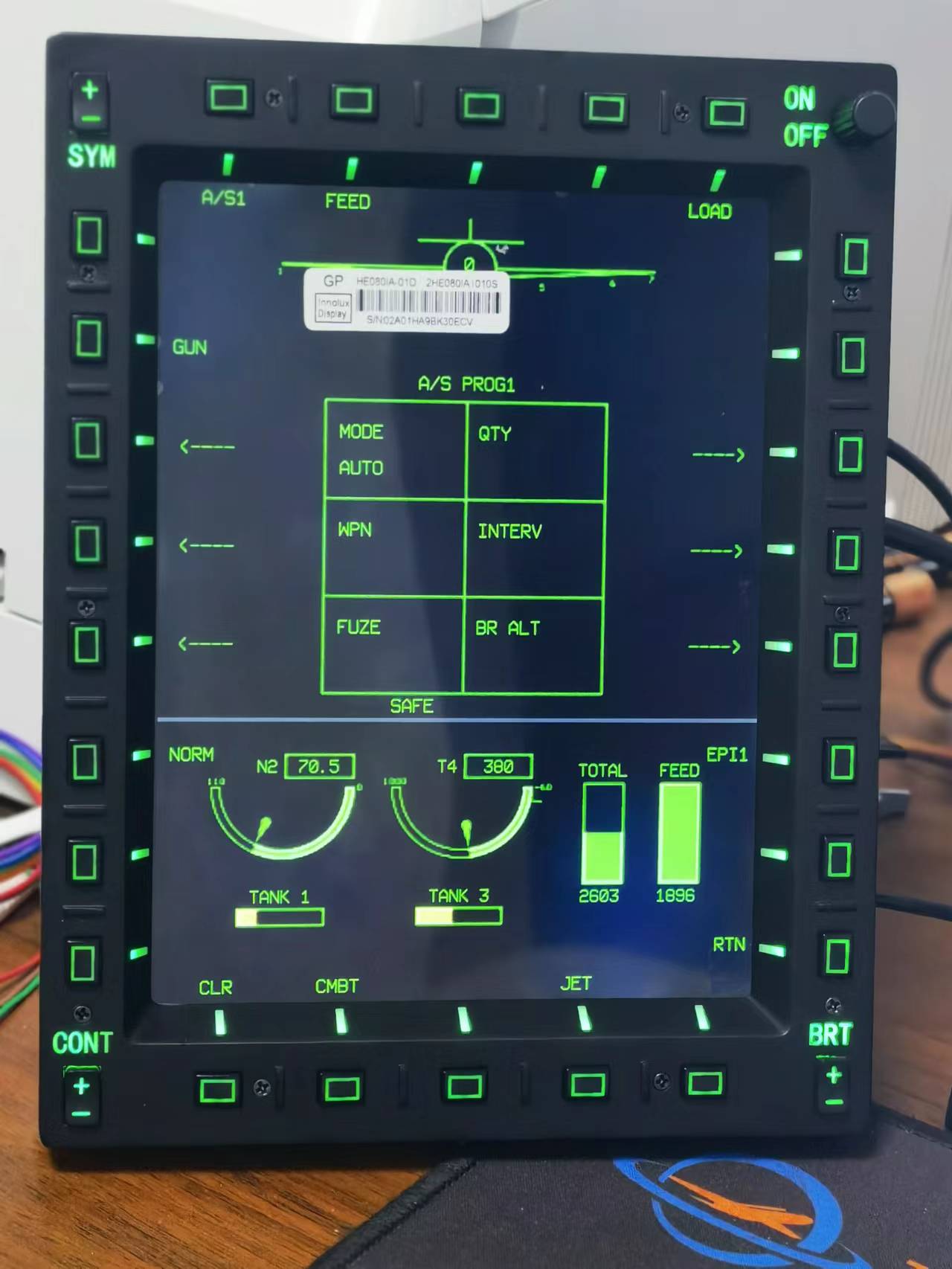
Full size Military Edtion
- Compatible with DCS World
- High simulation panel, buttons
- Panel logo, keys with backlight, backlight brightness adjustable
- 10.4-inch LCD display, resolution 1024×768, HDMI interface
- 32 buttons, customizable functions
- USB interface, plug and play